AI 타투 생성기
인공지능으로 커스텀 타투 디자인을 만드세요. 타투를 설명하면 AI가 전문적인 스타일로 생성합니다.
Style
Workflow
Color
Placement
Exclude (optional)
Size
Line
Detail
좋아하는 모든 스타일을 하나의 생성기로.
스타일을 선택하고 아이디어를 설명하면 몇 초 만에 스텐실용 디자인을 얻을 수 있습니다.
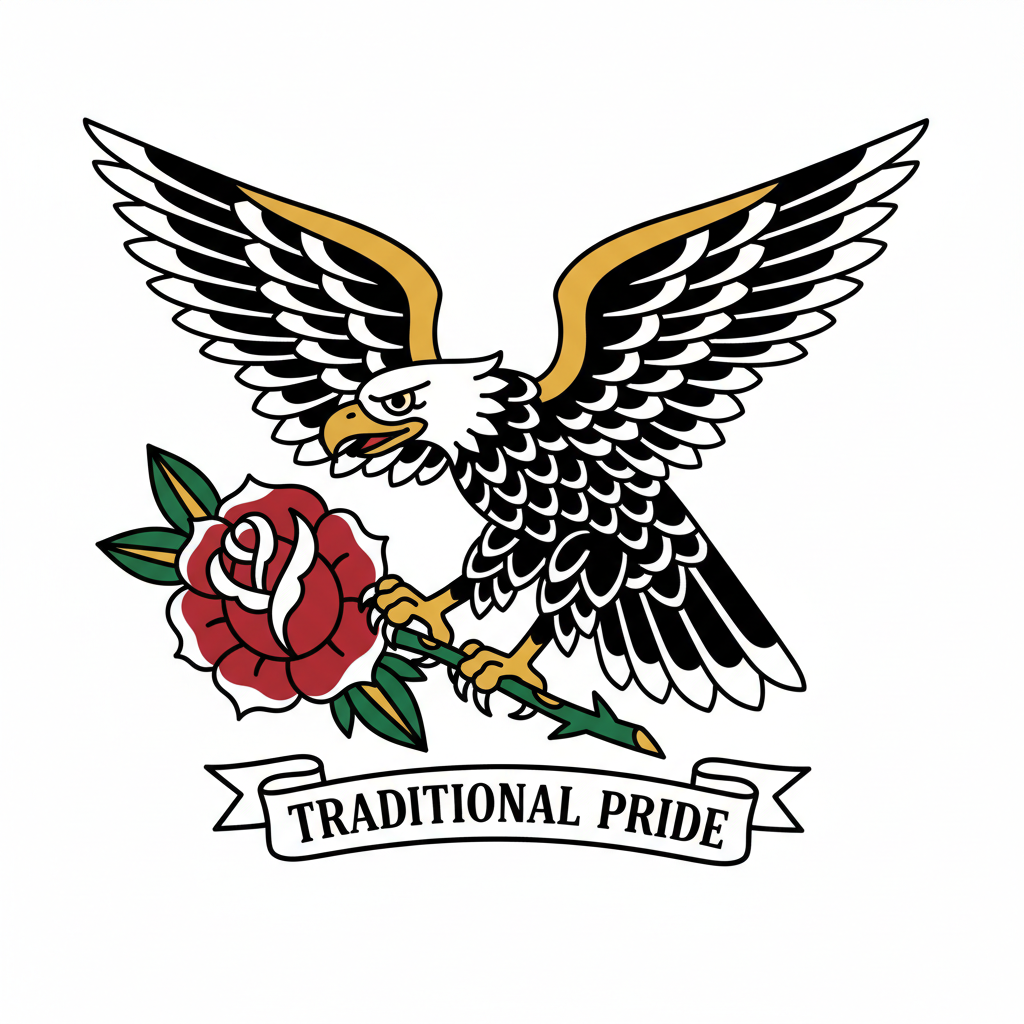
Traditional
Bold outlines, classic American imagery
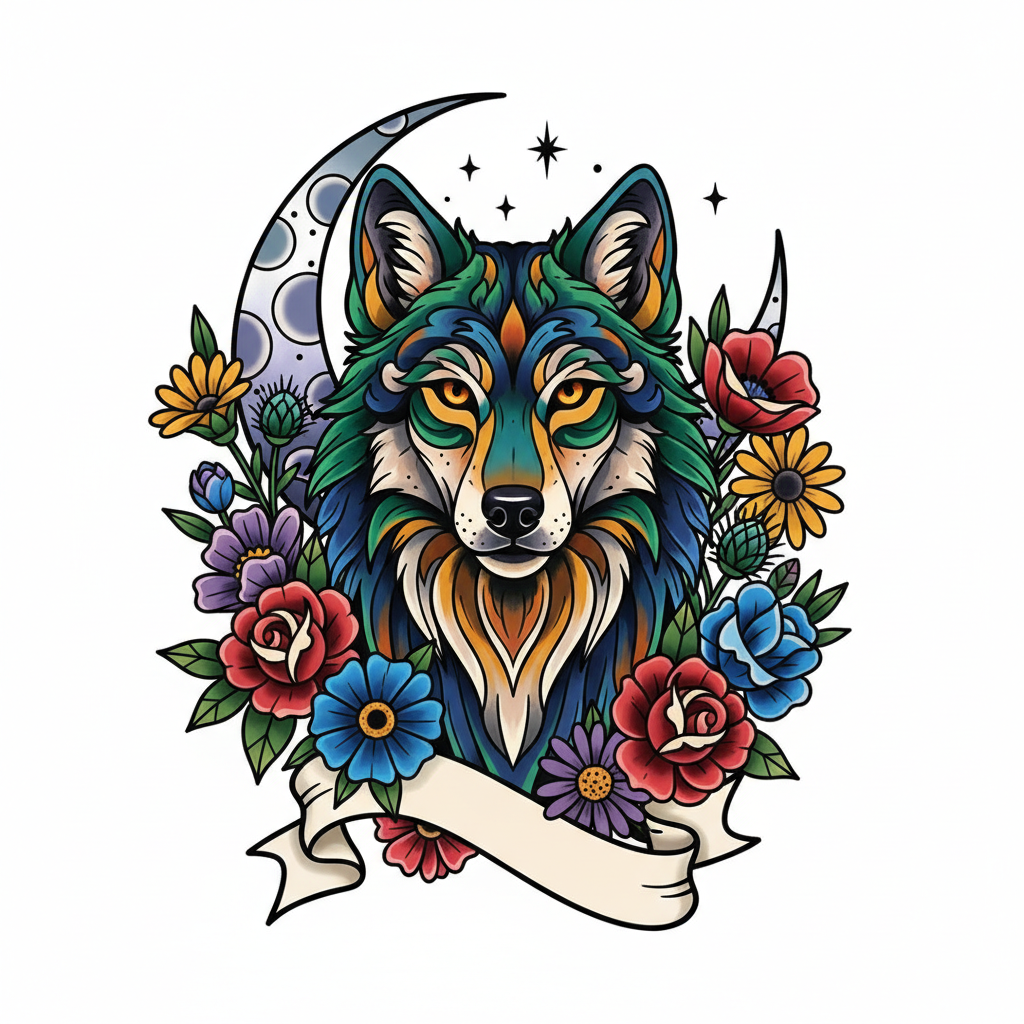
Neo-Traditional
Rich colors, illustrative detail
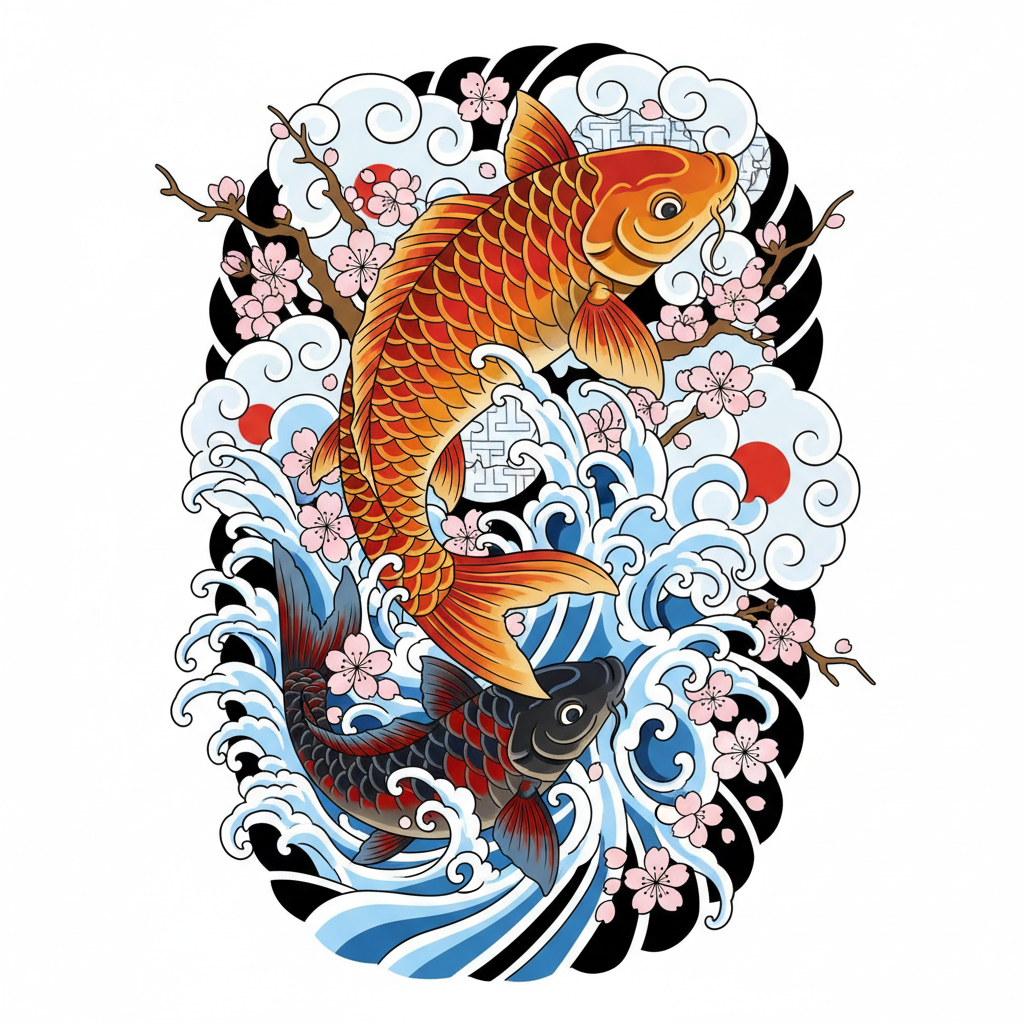
Japanese
Flowing motifs, koi and cherry blossoms
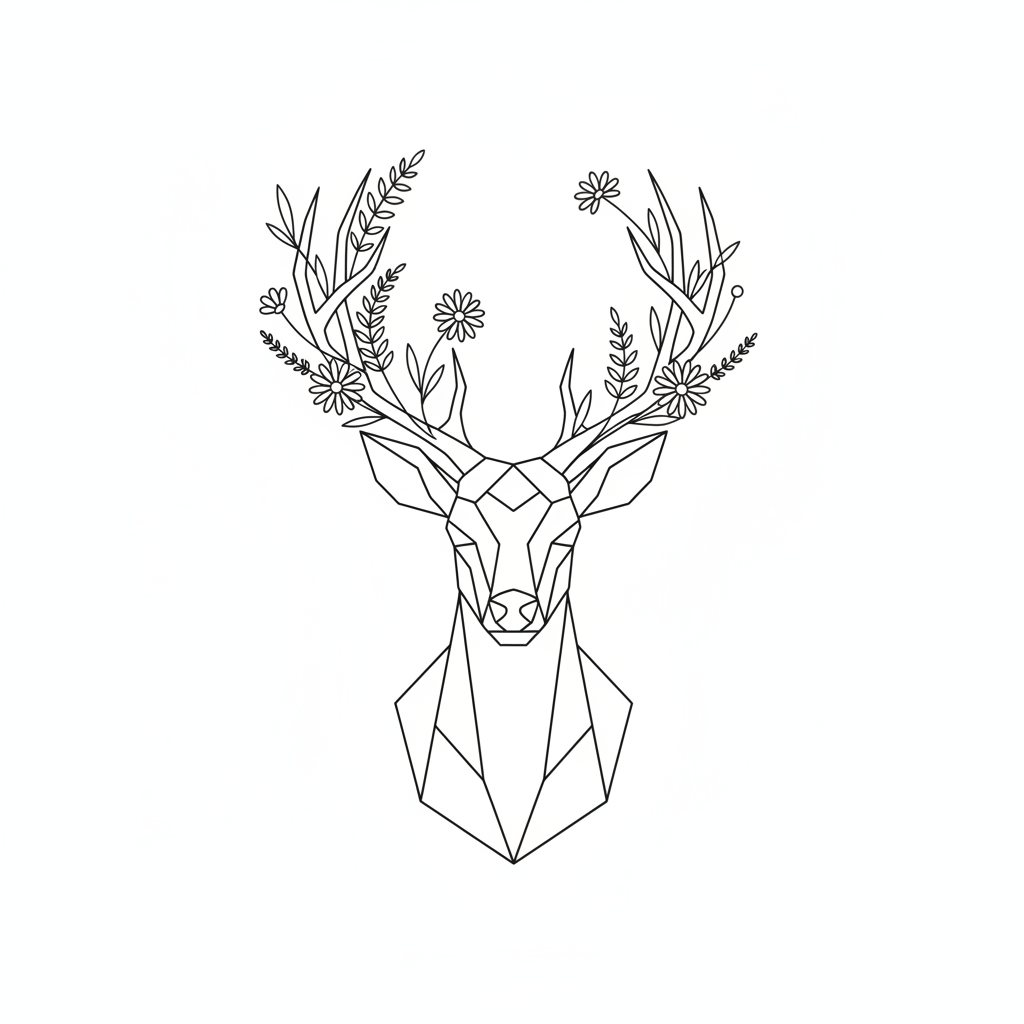
Fine Line
Delicate lines, minimalist elegance
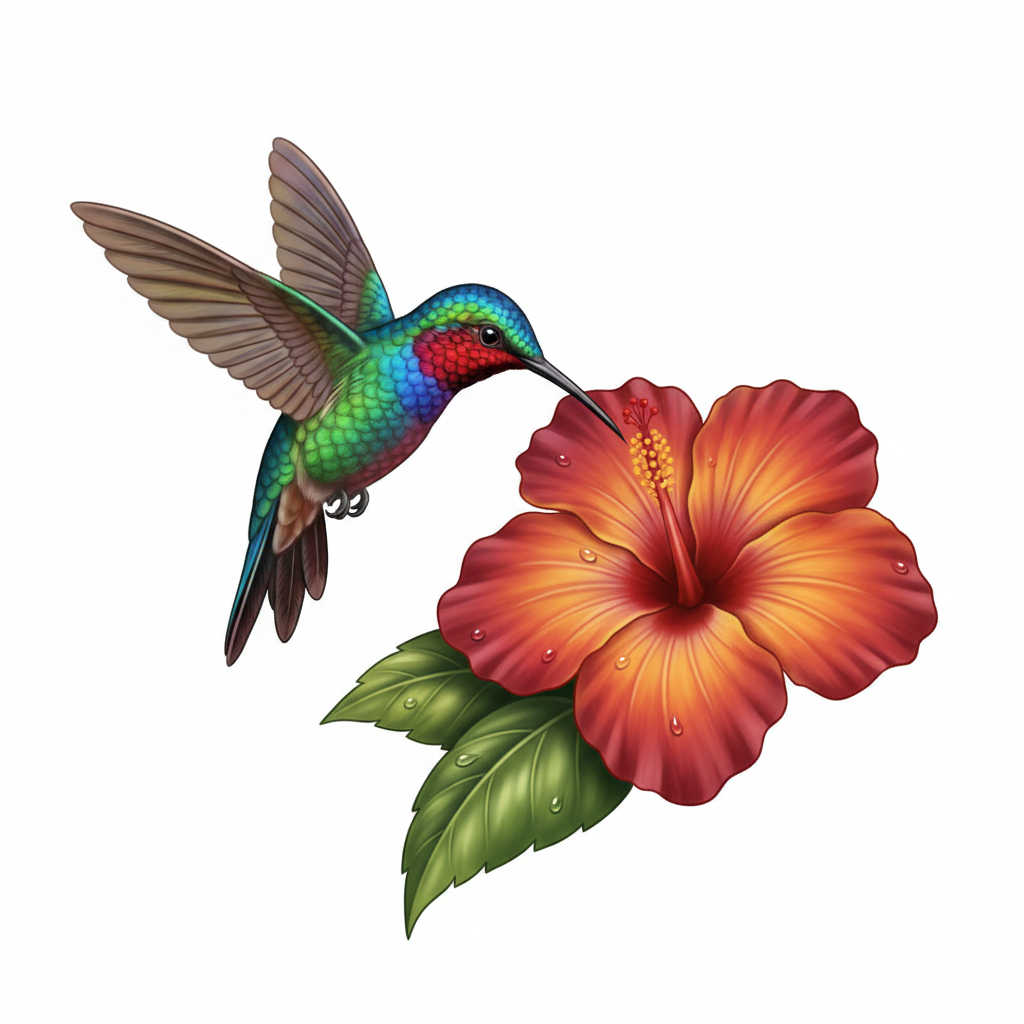
Colour Realism
Photorealistic, vibrant colors
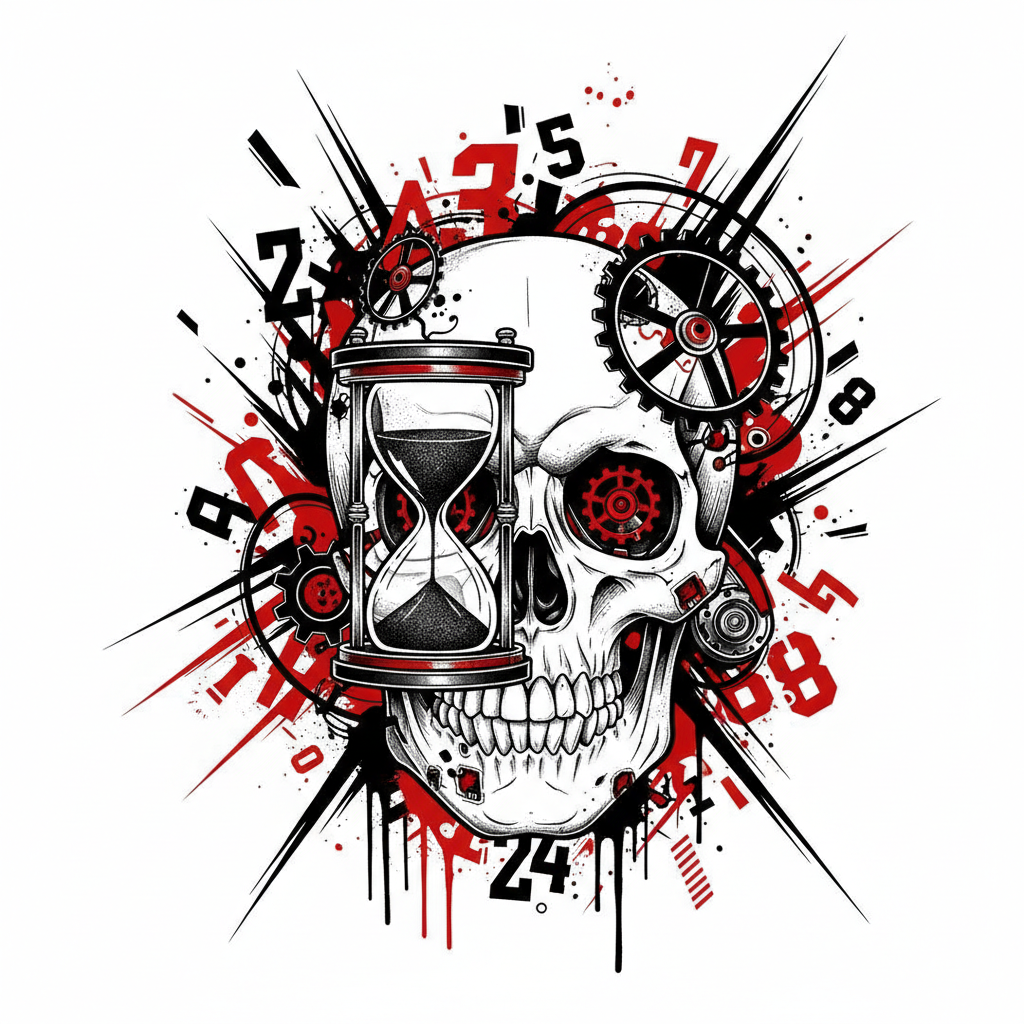
Trash Polka
Red and black, bold graphic chaos
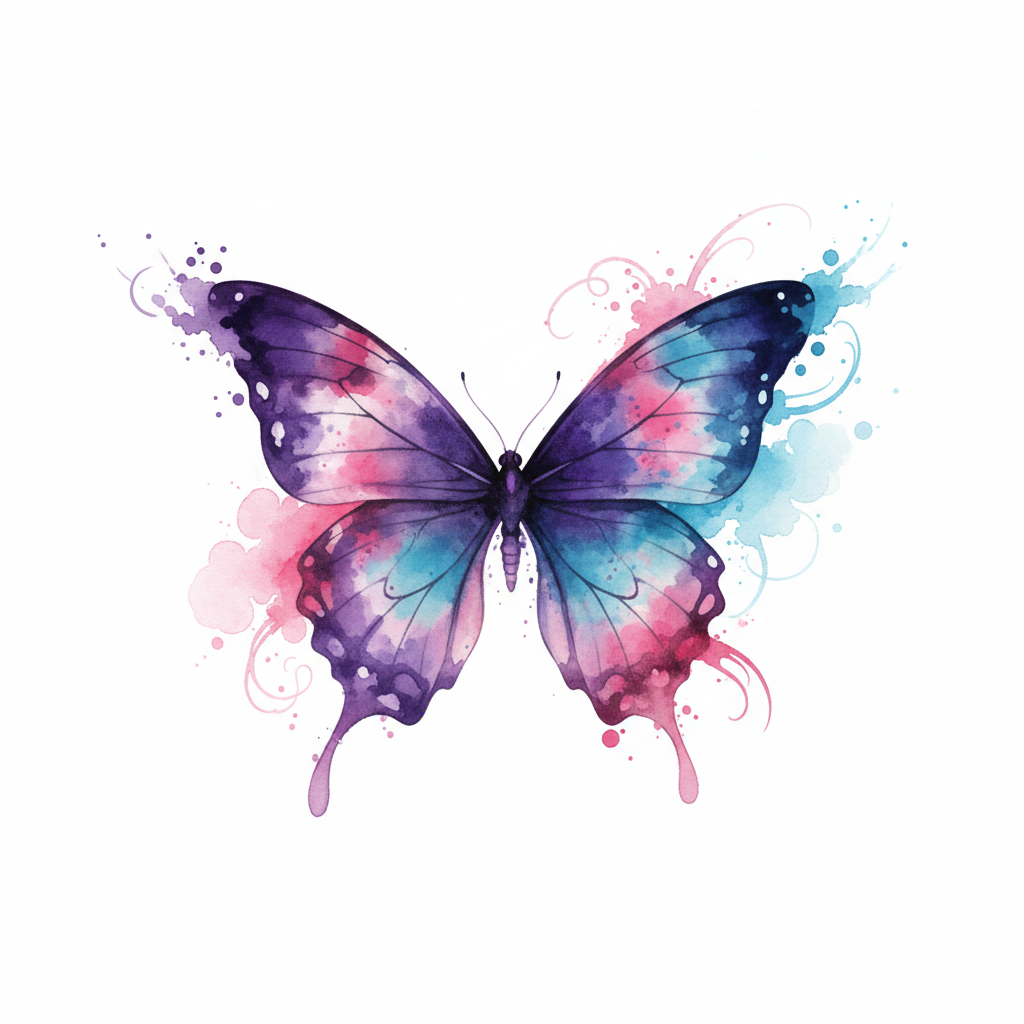
Watercolour
Soft painterly color washes
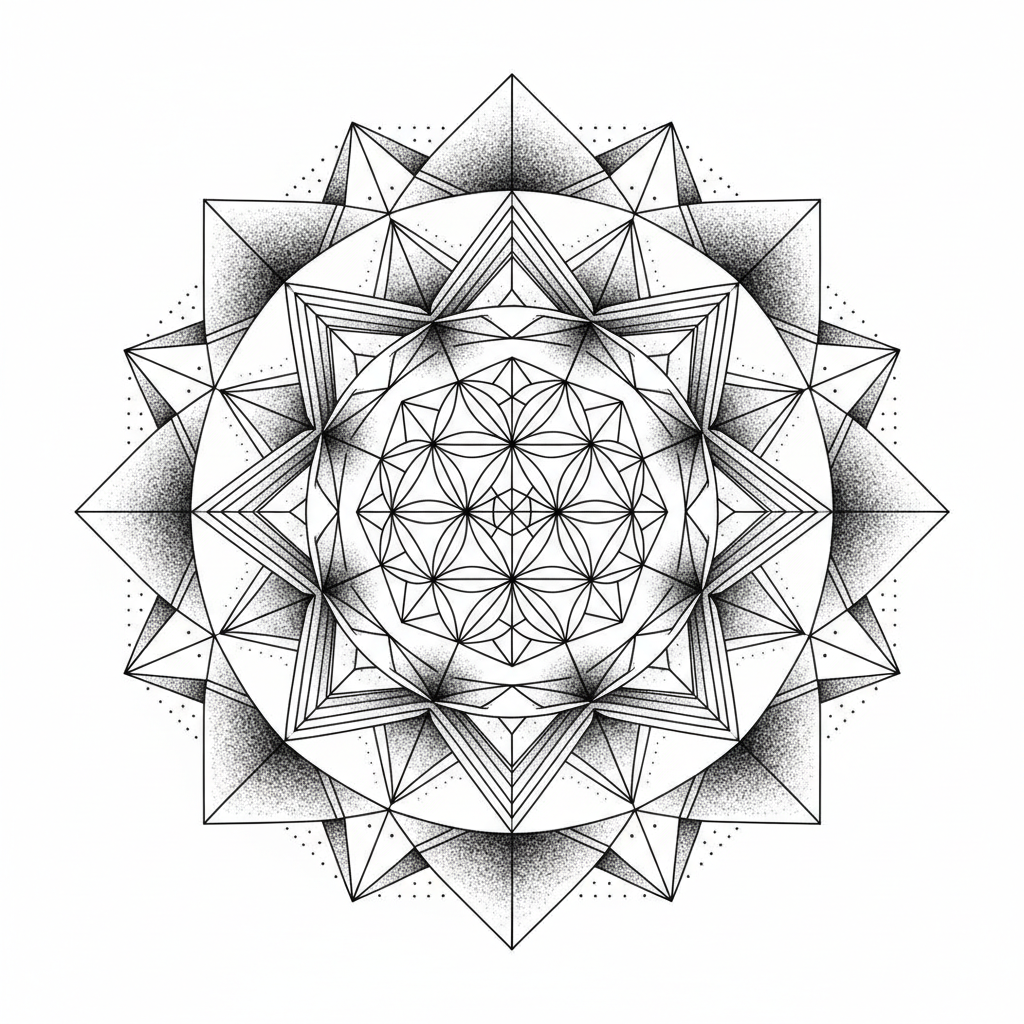
Geometric
Sacred geometry, precise symmetry
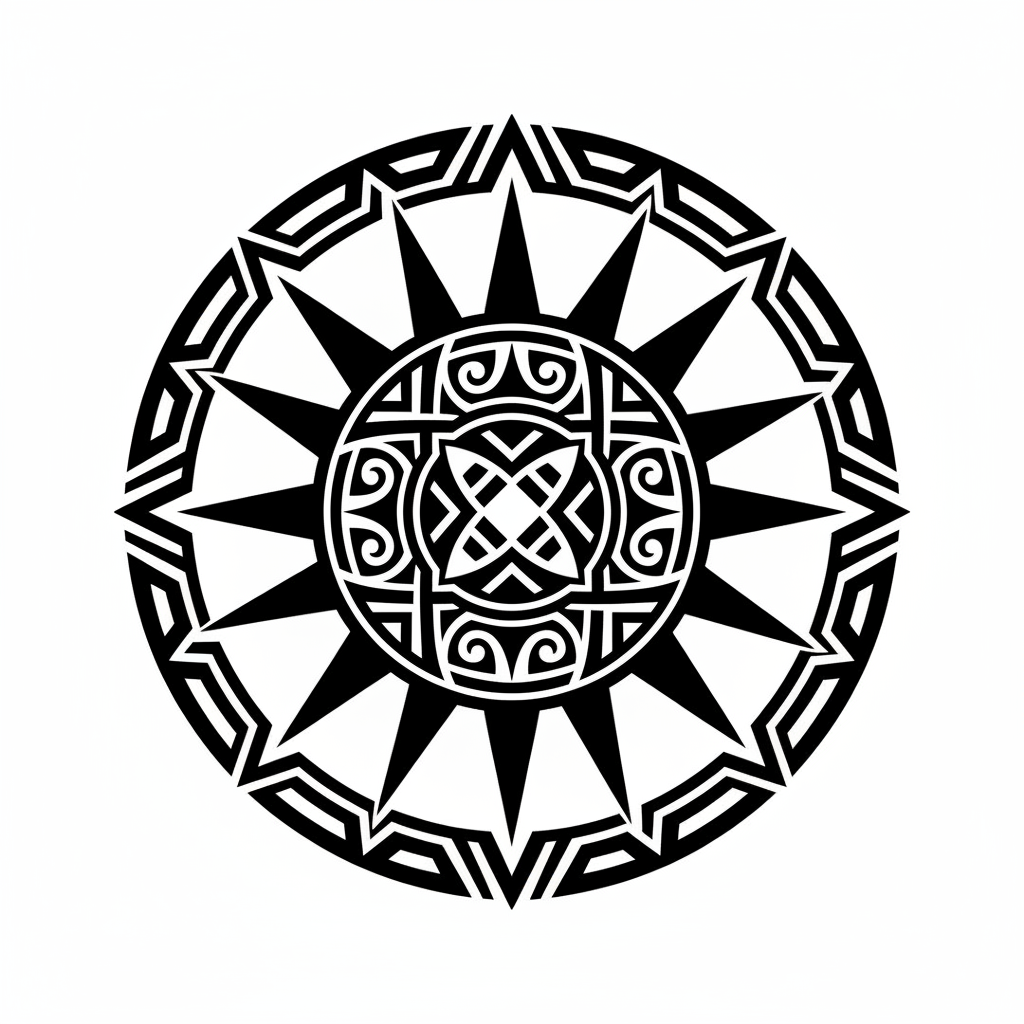
Blackwork
Solid black, tribal patterns
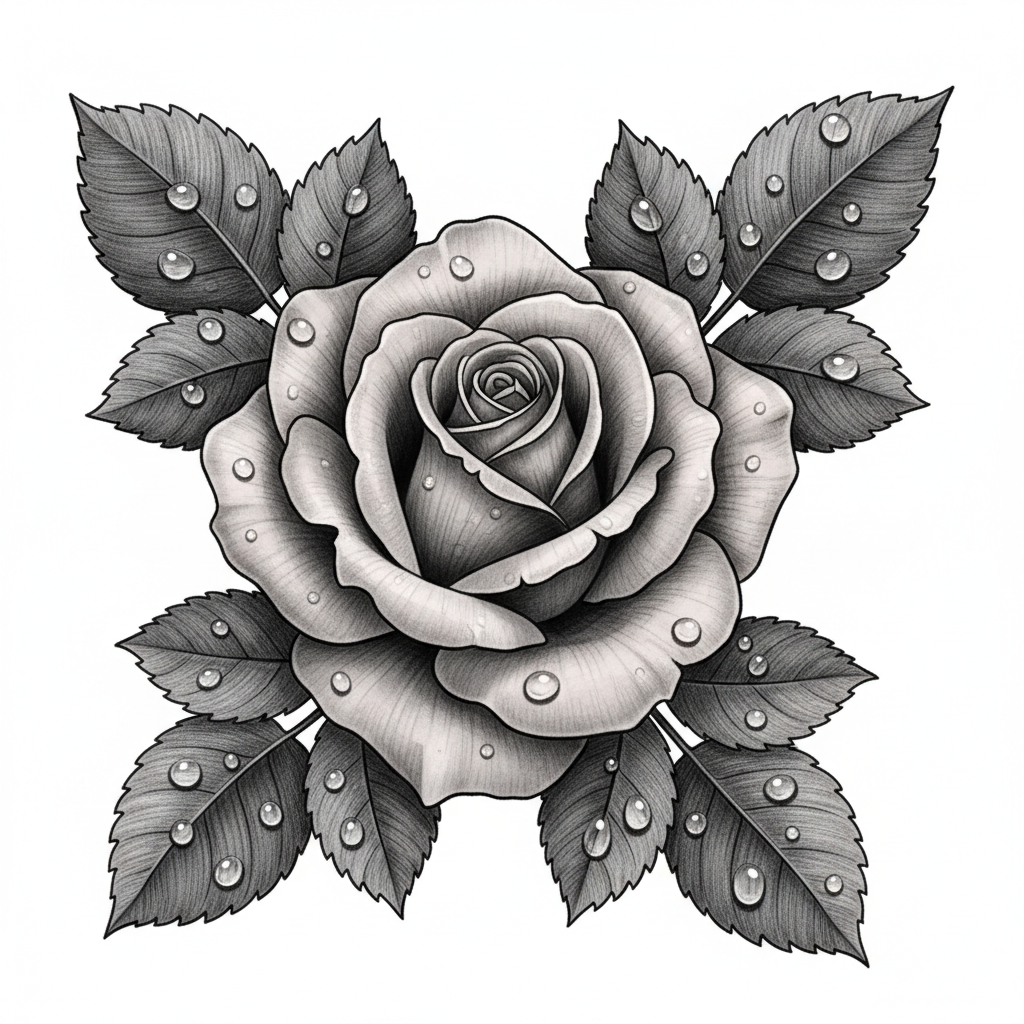
Black & Grey
Smooth gradients, realistic depth
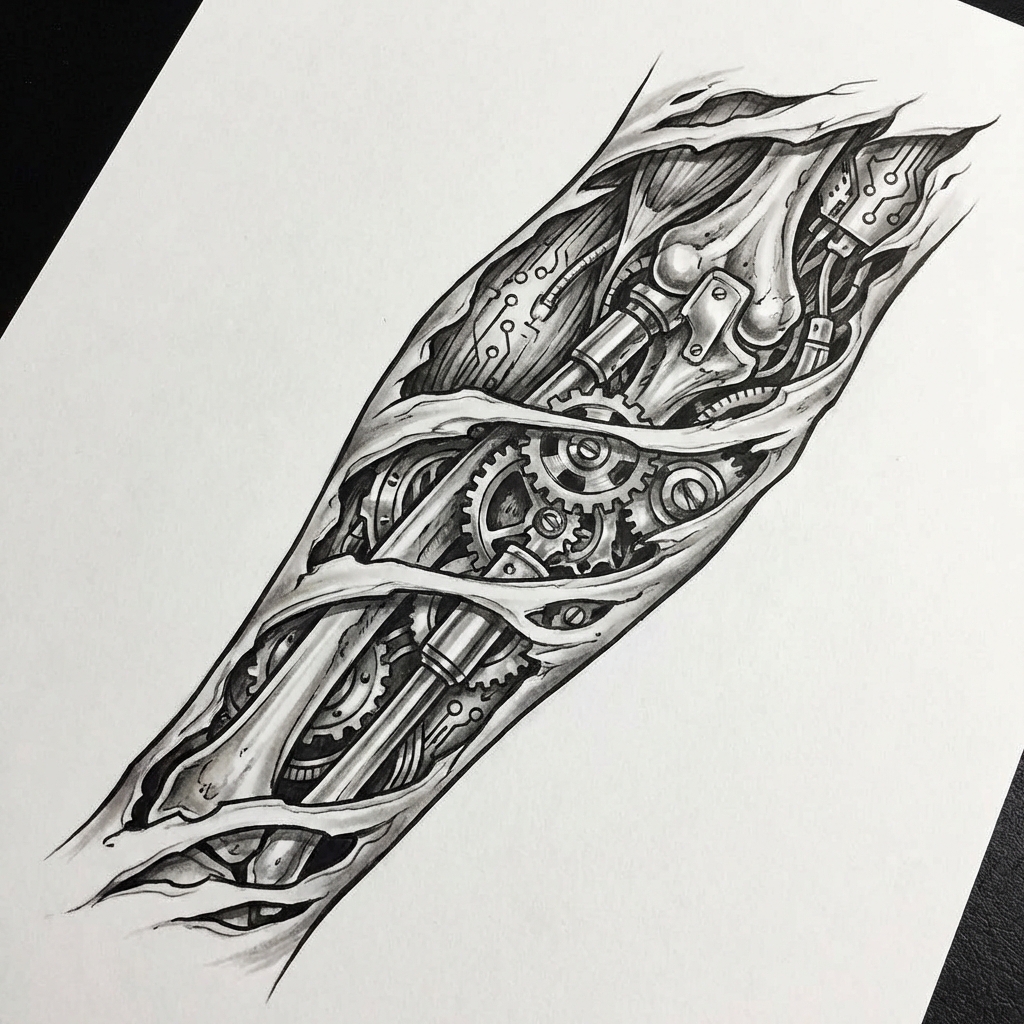
Biomechanical
Machinery beneath the skin
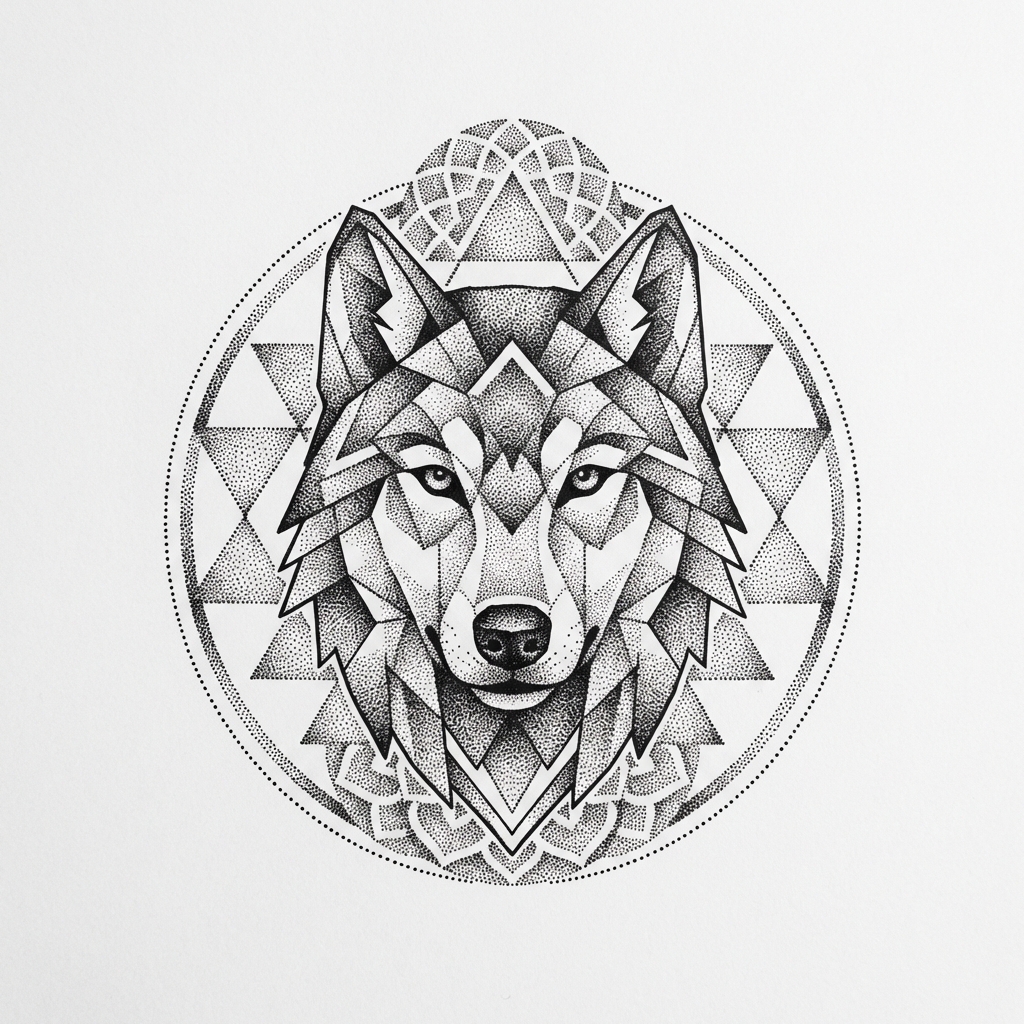
Dotwork
Thousands of dots, stippling depth
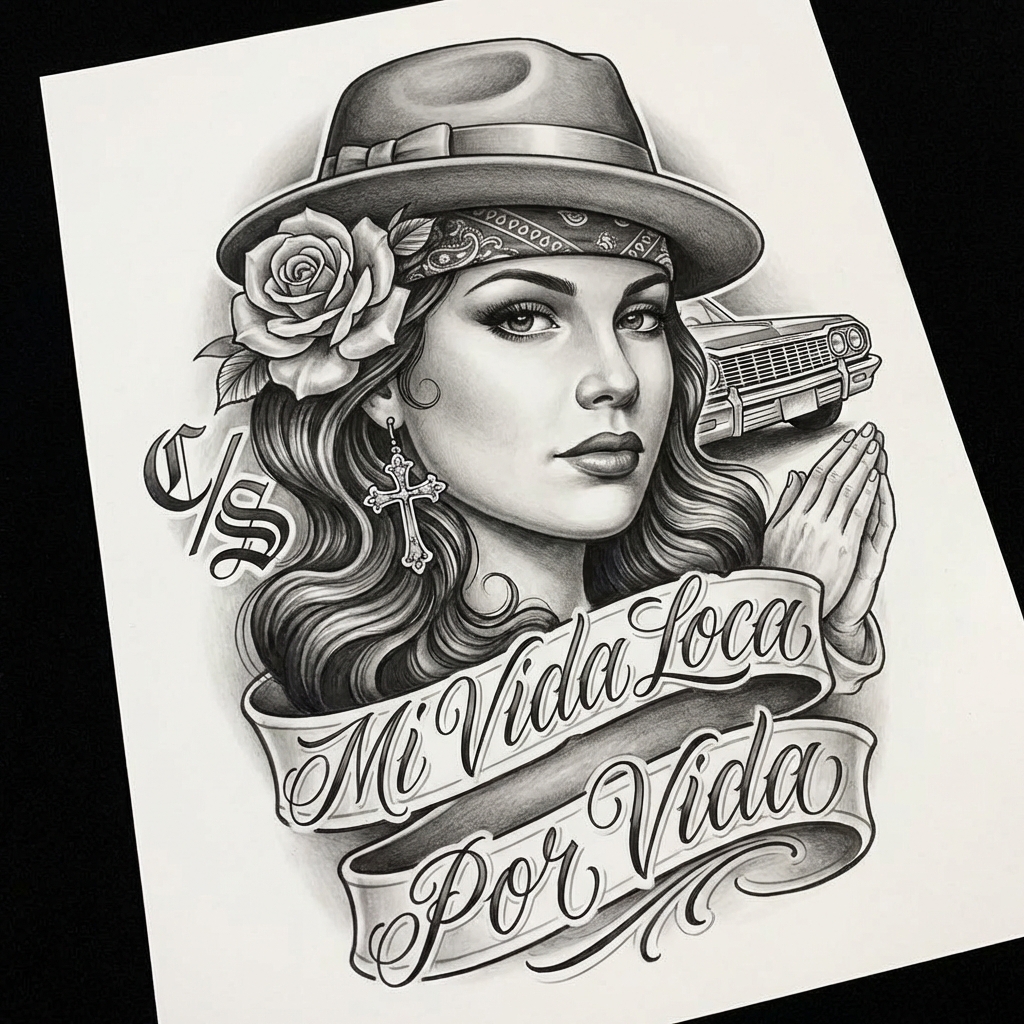
Chicano
Portraits, roses and fine shading
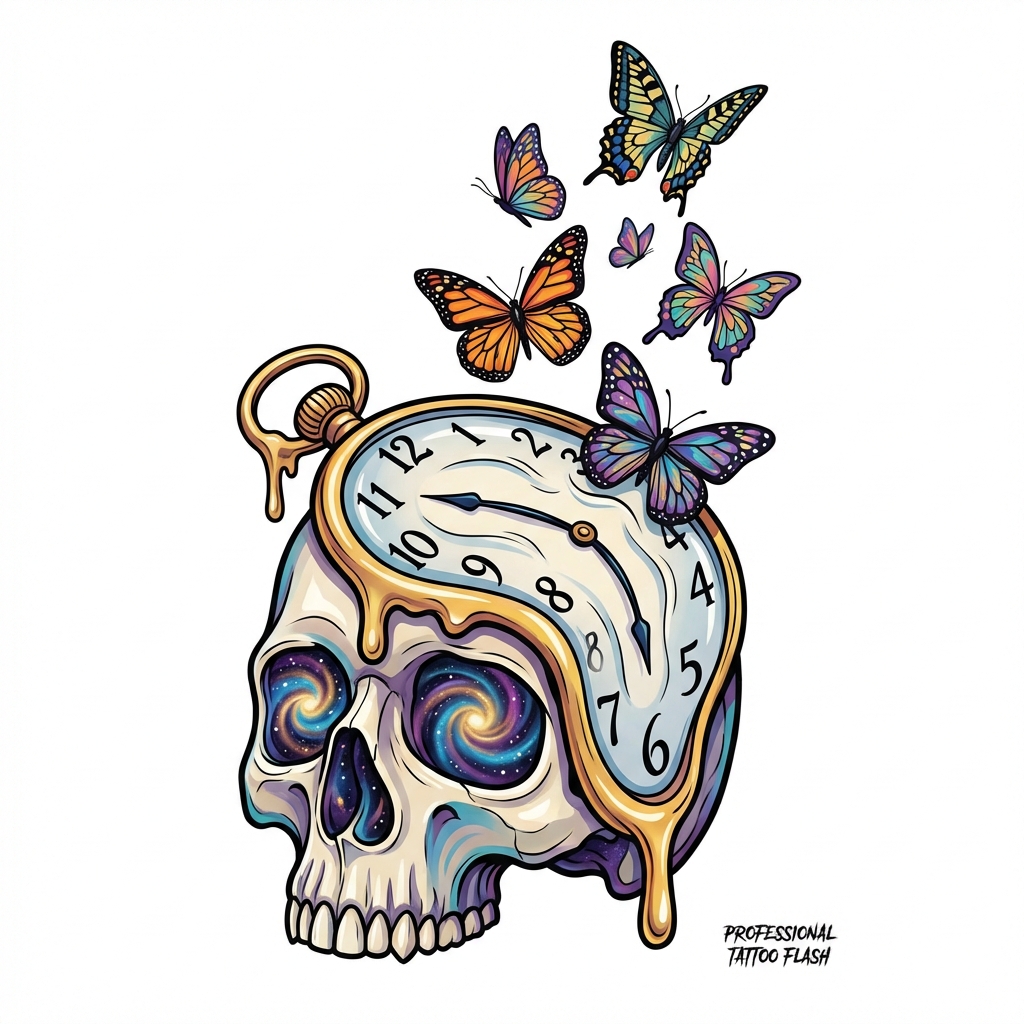
Surrealism
Dreamlike, Salvador Dali inspired
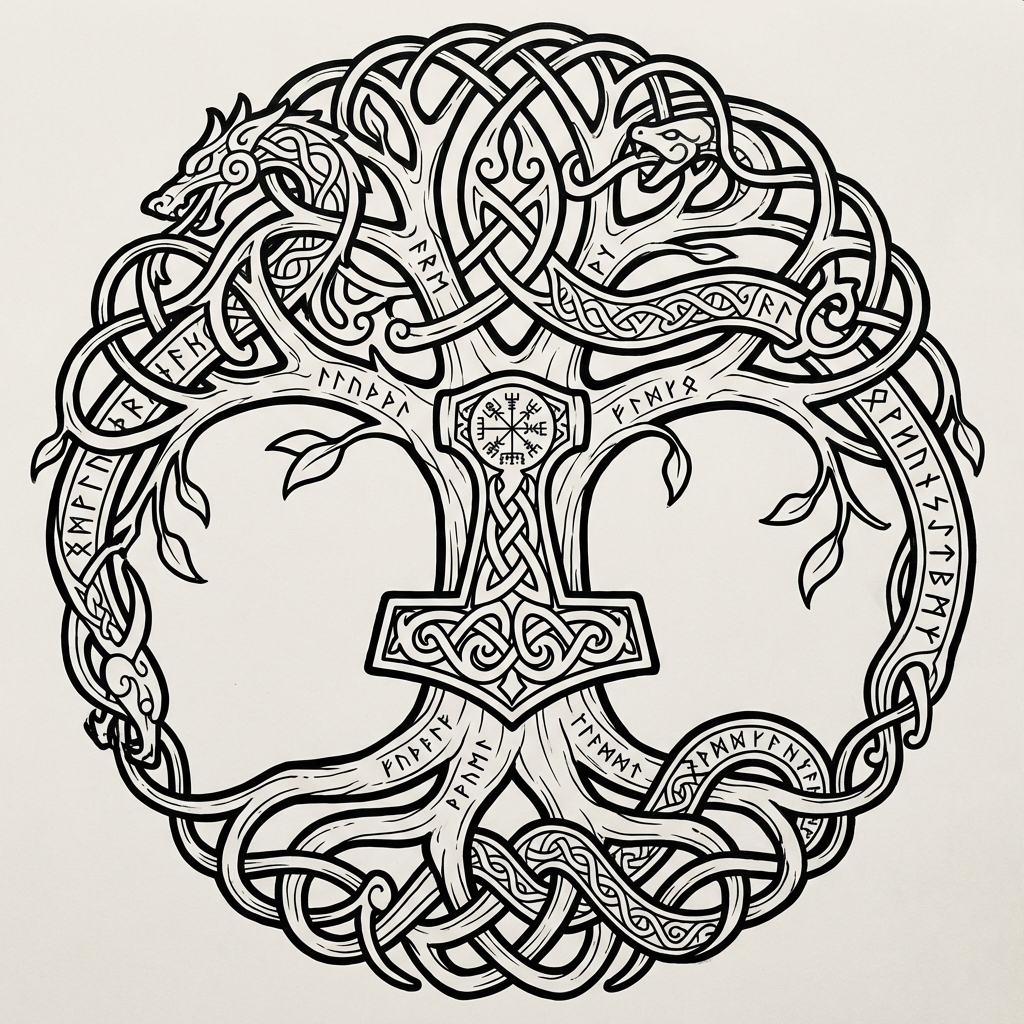
Nordic / Celtic
Runes, knotwork and Yggdrasil
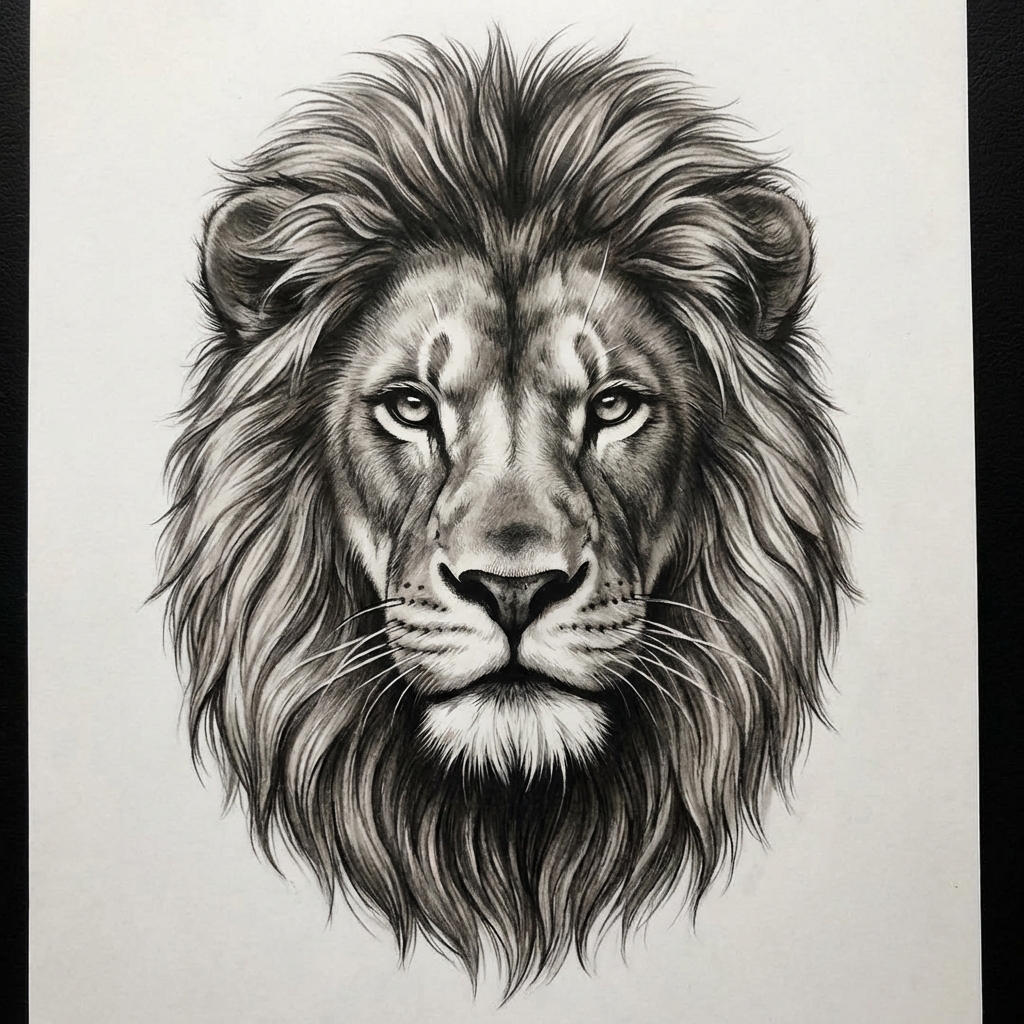
Portrait
Lifelike black and grey faces
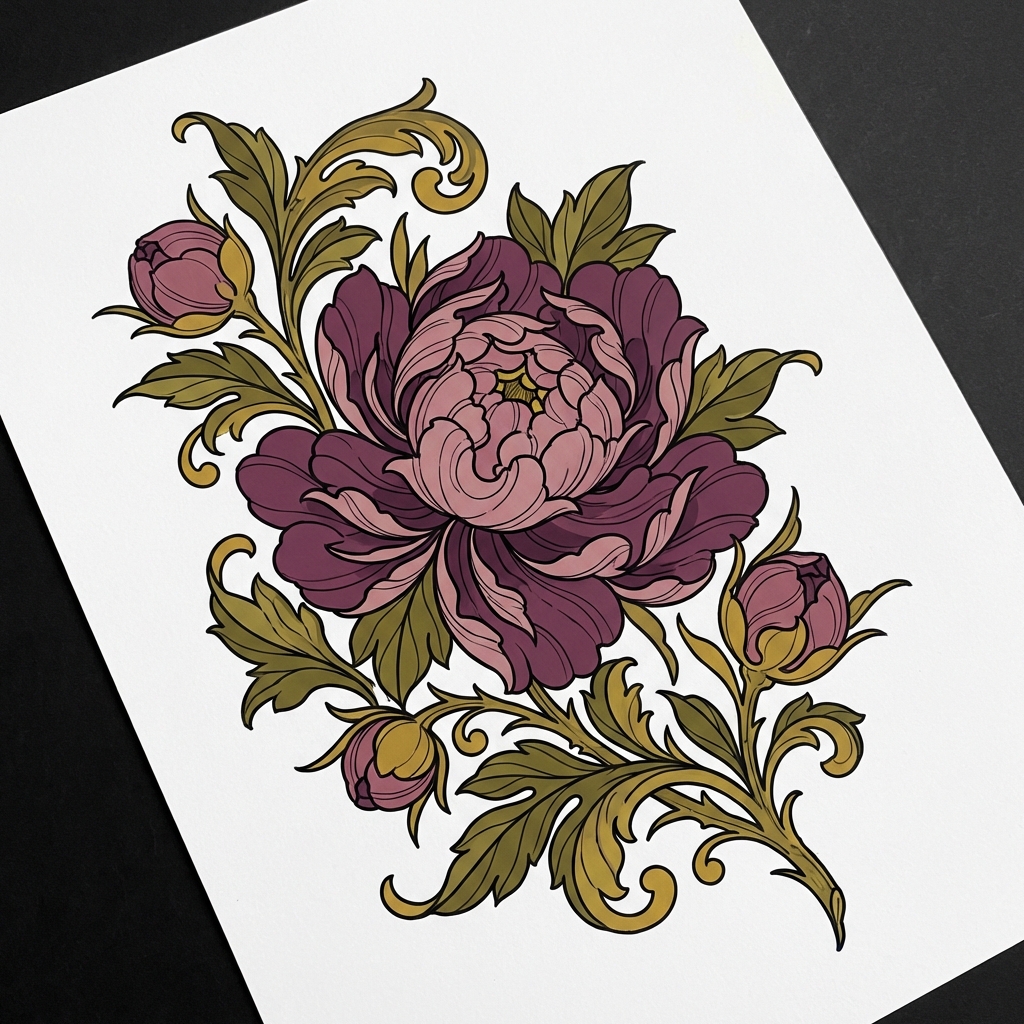
Floral / Botanical
Peonies, botanicals, full color
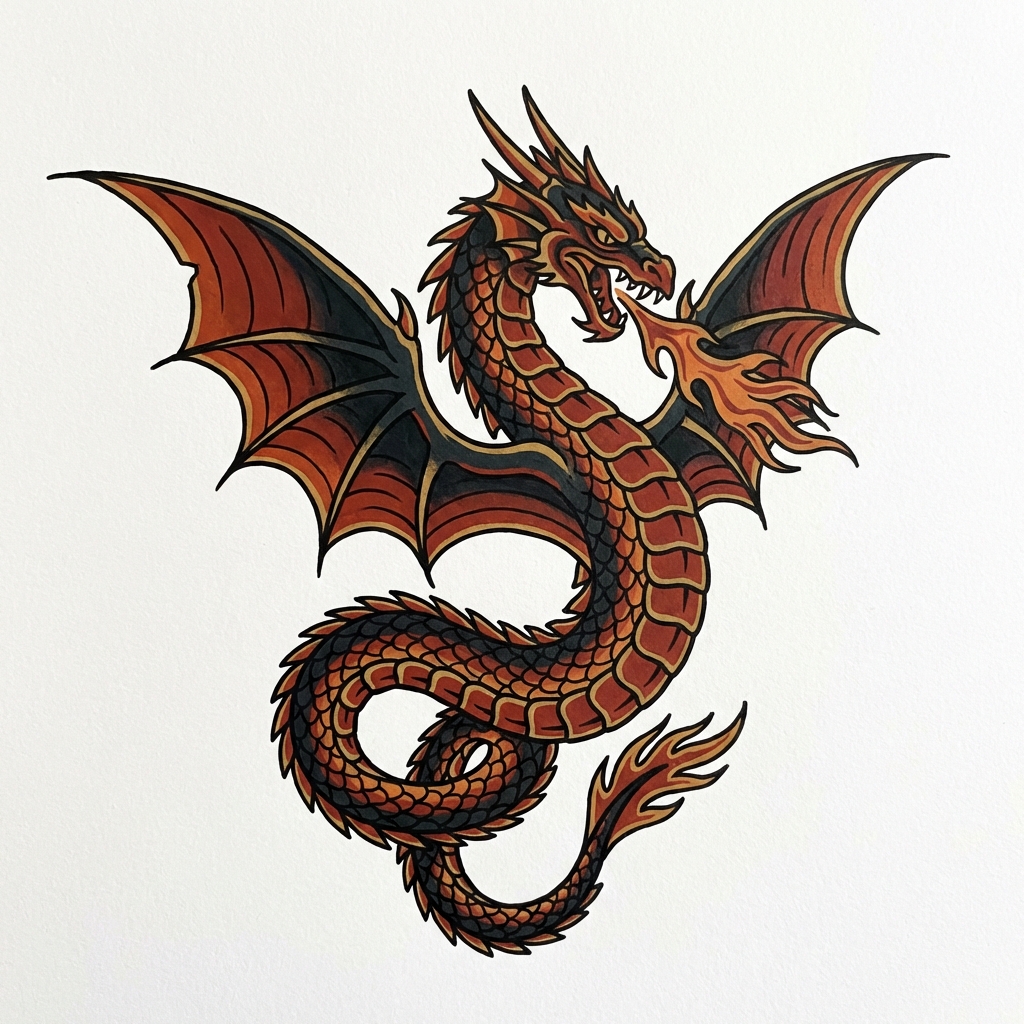
Dragon
Western and eastern dragon designs
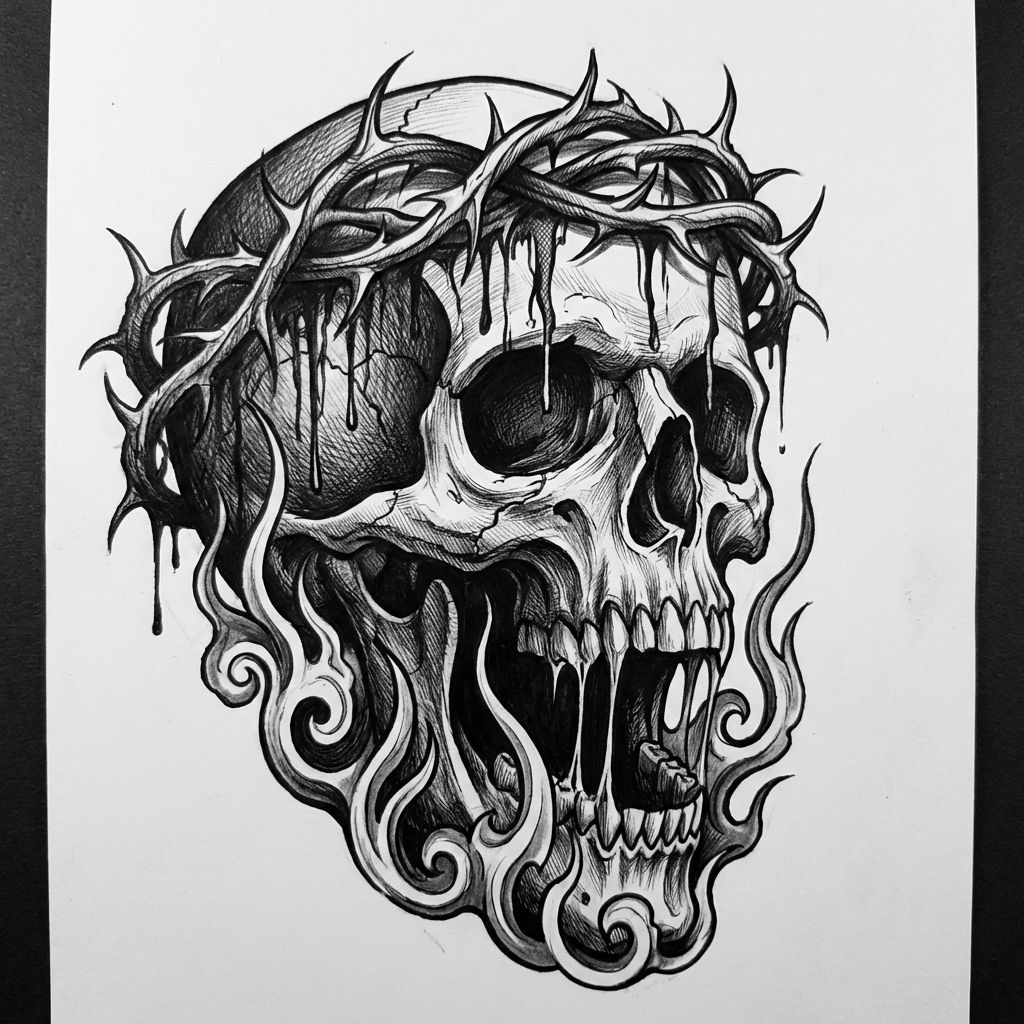
Horror / Dark Art
Skulls, demons and gothic darkness
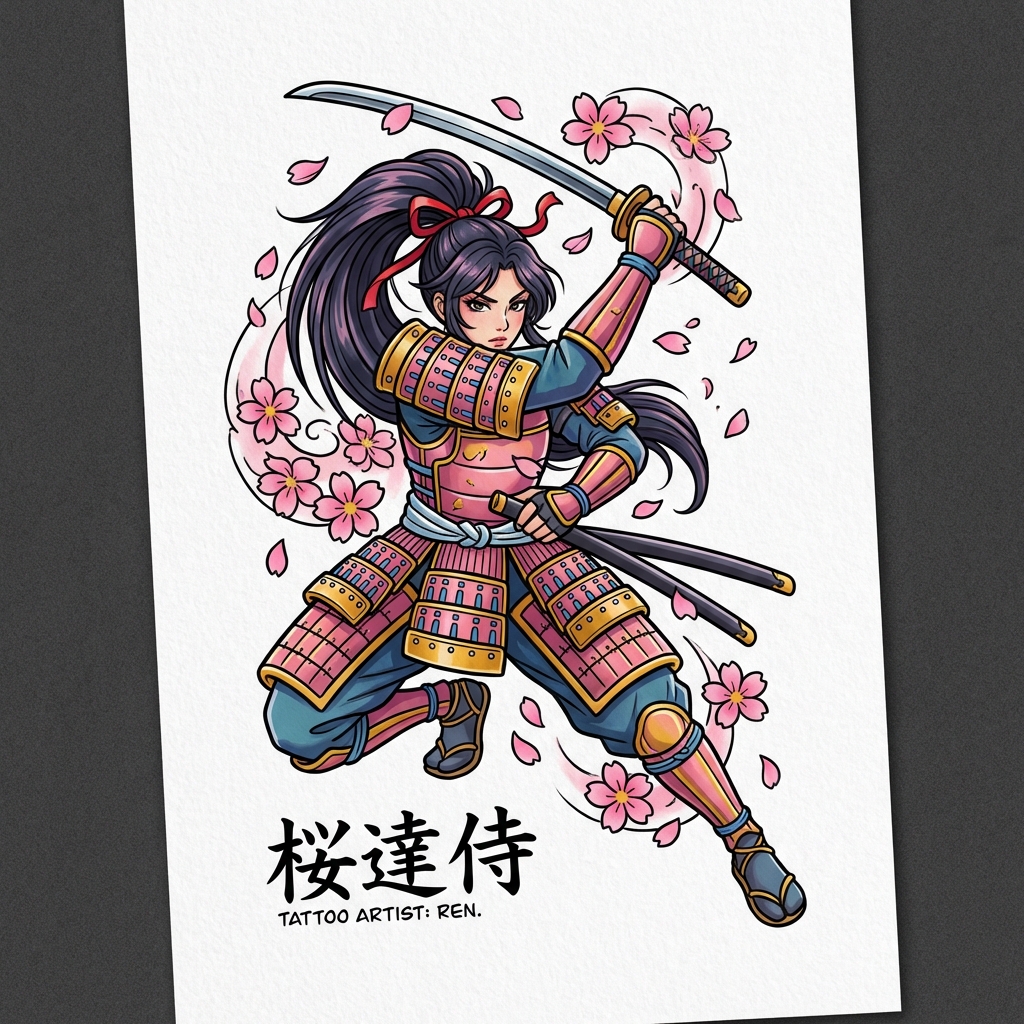
Anime / Manga
Cel-shaded, vibrant anime style
타투 워크플로
거친 아이디어를 타투에 맞는 방향으로 정리합니다.
TattooAI is designed around the decisions people make before visiting an artist: style language, body placement, line weight, cover-up constraints, and a brief that can be refined instead of a generic AI image.
Style direction
Start with a tattoo language like traditional, fine line, Japanese, blackwork, dotwork, or ornamental.
Body-fit planning
Shape the composition around forearm, chest, back, wrist, leg, or sleeve placement before generating.
Artist handoff
Keep exclusions, line weight, size, and stencil notes visible so the idea is easier to redraw or refine.
Design brief
Built for tattoo decisions
Describe the subject and meaning
Turn a loose idea into a clear motif, mood, symbolism, and must-avoid list.
Choose the tattoo language
Push the result toward flash, blackwork, fine line, Japanese, realism, lettering, and more.
Plan for the body area
Guide scale and flow so the design reads correctly on skin, not only inside a square image.
Prepare the next revision
Use stencil, cover-up, or sleeve intent to create a stronger starting point for an artist conversation.
Avoid
fake text, noisy backgrounds, tiny details that blur over time
Output
a cleaner concept, prompt, and direction for your next iteration
AI 타투 생성에 대한 질문이 있으신가요? 답변이 있습니다.
TattooAI가 인공지능으로 커스텀 타투 디자인을 만드는 방법을 알아보세요
멋진 타투를 만들 준비가 되셨나요?
AI로 커스텀 타투 디자인, 전통 타투, 모던 타투 아트를 생성하세요. 매일 3번의 무료 타투 생성으로 시작하세요.